
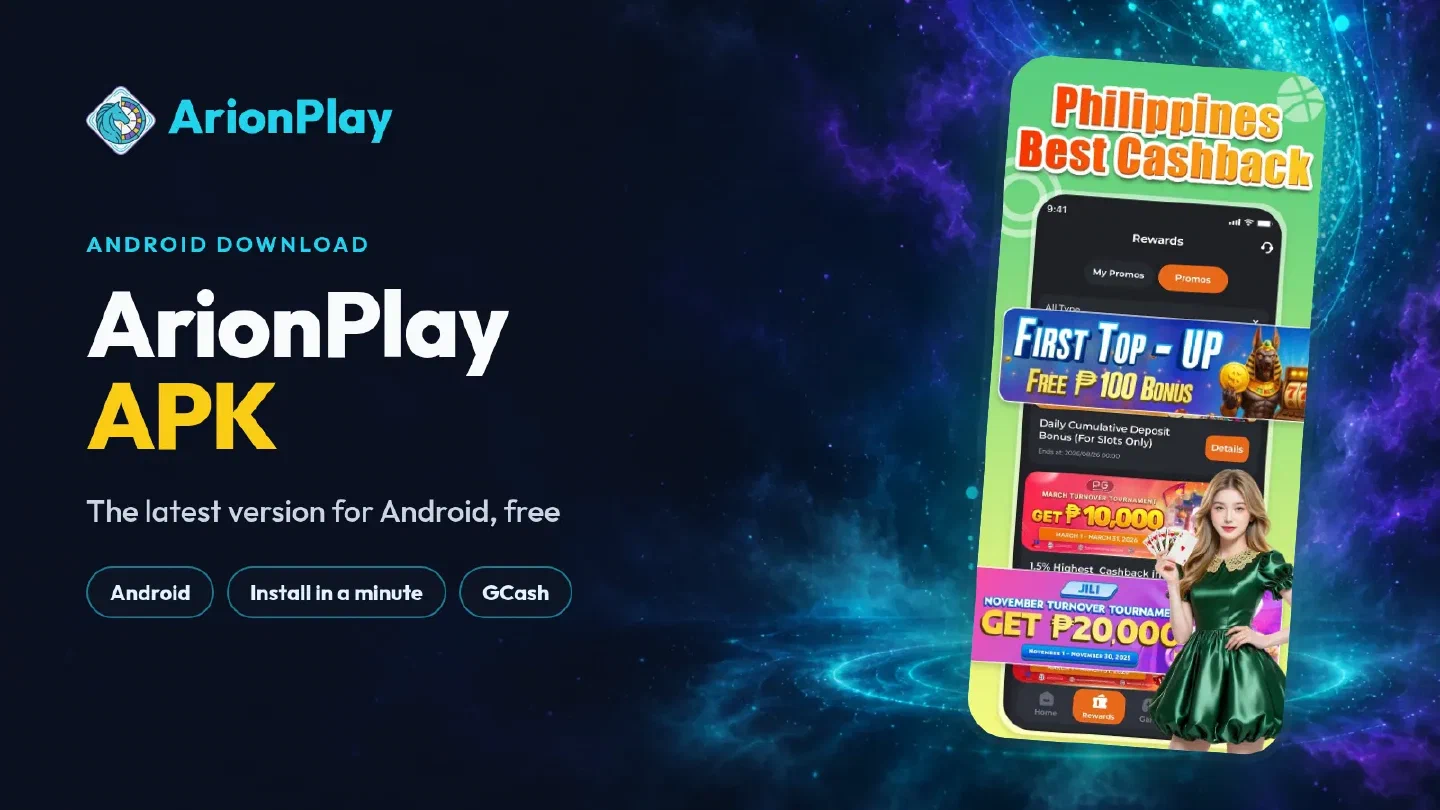
The ArionPlay APK is the Android version of the ArionPlay casino app. The download button on this page fetches the current release, so you get the latest version without hunting through mirror sites. Install it, sign in and the lobby, the GCash cashier and your rewards are on your home screen.
Why players pick the APK#
ArionPlay ships its Android app as a direct package from its own download page, and that one install holds the full real-money lobby:
- The whole lobby in one icon. Slots from JILI, PG, Pragmatic Play and more, live baccarat, roulette and blackjack, PBA and NBA betting, arcade and fishing games.
- GCash and Maya built in. Deposit from ₱100 with no platform fee; verified withdrawals usually arrive within 5 to 15 minutes.
- Rewards in the Rewards tab. The welcome bonus, daily promotions, cashback and VIP perks wait there. See the welcome bonus and rewards guide for how each one works.
- Quicker sessions. The app opens straight into your account, with no browser tabs to manage.
Latest version and updates#
There is no version number to chase. Each tap on the download button pulls the package the operator publishes at that moment, which is why the button on this page is the simplest way to stay current.
When the app tells you a new version is ready, download the APK again and install it over the existing one. Android keeps the app’s place on your home screen, and your account brings back the balance, bonuses and game history the moment you sign in.
| Situation | What to do | What stays |
|---|---|---|
| First install | Download the APK and allow the install | — |
| The app asks for an update | Download the APK again, install over the old one | Account, balance, bonuses |
| New phone | Download the APK on the new phone and log in | Everything in your account |
| Old phone running slowly | Reinstall from the button and log in | Everything in your account |
Install the APK on Android#
- Tap Download the APK and wait for the download notification.
- Open the file. If Android asks, allow your browser to install apps, then tap the file again.
- Tap Install and wait a few seconds.
- Open ArionPlay from your home screen and log in, or register a new account.
For the iPhone route and the full picture, start from the ArionPlay app download page. The install checklist walks through the permission screen and the fixes for a stuck download in more detail.

After the install: first deposit and bonus#
Open the cashier, choose GCash, Maya or bank transfer and enter at least ₱100. The money shows up in your balance straight away, and a first deposit after registration unlocks the welcome bonus automatically. Withdrawals go back through the same cashier once your identity is verified, usually within 5 to 15 minutes. The GCash deposit guide shows each screen.
The ArionPlay APK and the official operator#
ArionPlay belongs to NEMO Interactive Group Corporation and holds PAGCOR accreditation No. 37, with arionplay.com as its licensed site. The operator publishes the Android package on its own Mobile App Download page, and the button here takes you to it, so the file you install is the operator’s own build. Several unrelated apps with similar names sit on Google Play; ArionPlay’s casino is the one from NEMO Interactive Group Corporation.
Download the APK, allow the install once and your first deposit brings the welcome bonus.